Easy POS Docs - Quick Start — Your First Sale
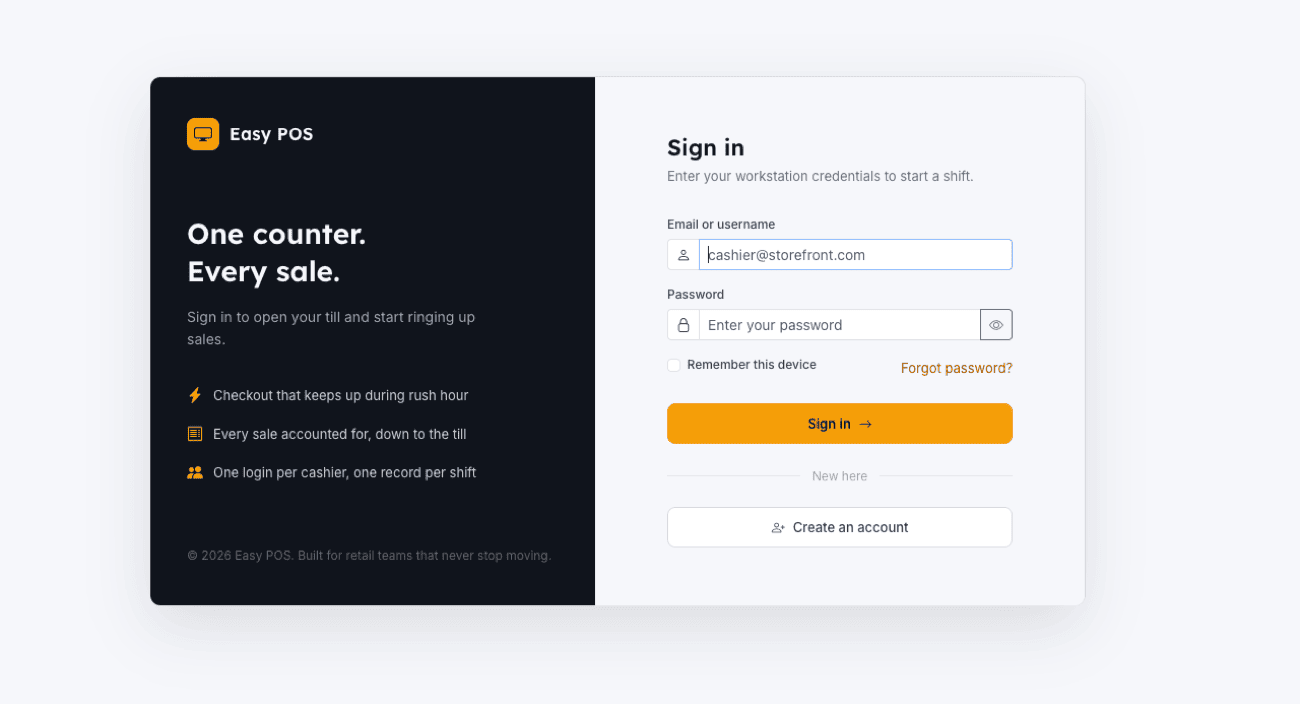
- Sign in at
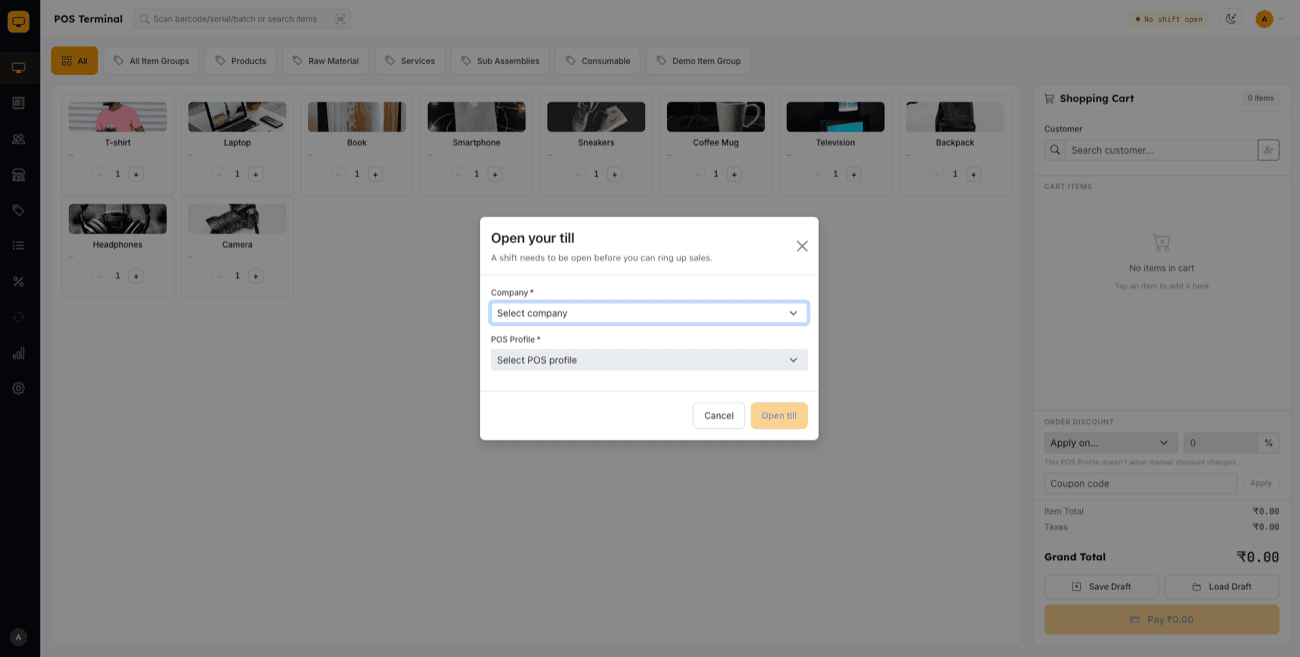
/posappwith your workstation credentials. - Open a shift — enter your opening cash balances per payment mode to start a POS Opening Entry.
- Ring up a sale on the Terminal — search or scan an item, adjust quantity/rate/discount as needed, add a customer if you have one, and take payment across one or more payment modes.
- Complete the sale — the invoice is created and submitted automatically once payment is confirmed; print or email the receipt if configured.
- Manage invoices — view, cancel, or issue a credit note (return) from the Invoices page at any time.
- Close your shift — at the end of the day, reconcile counted cash against expected totals per payment mode and submit the closing entry.
See POS Terminal & Cart for the full checkout feature set, and POS Profiles & Shift Management for opening/closing details.